YimMenu v2 GTA V Mod Menu - GodMode, Noclip, Freecam
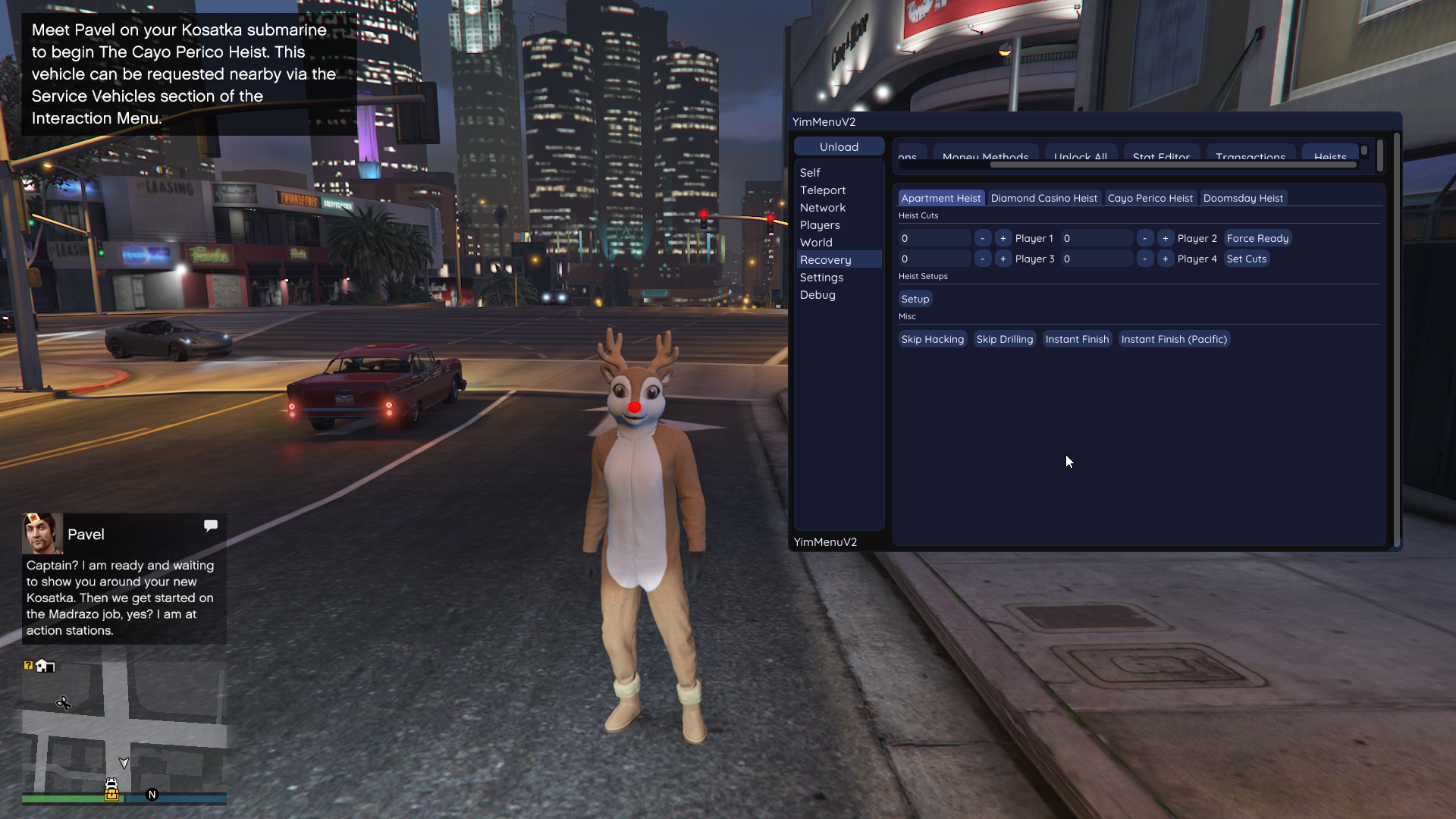
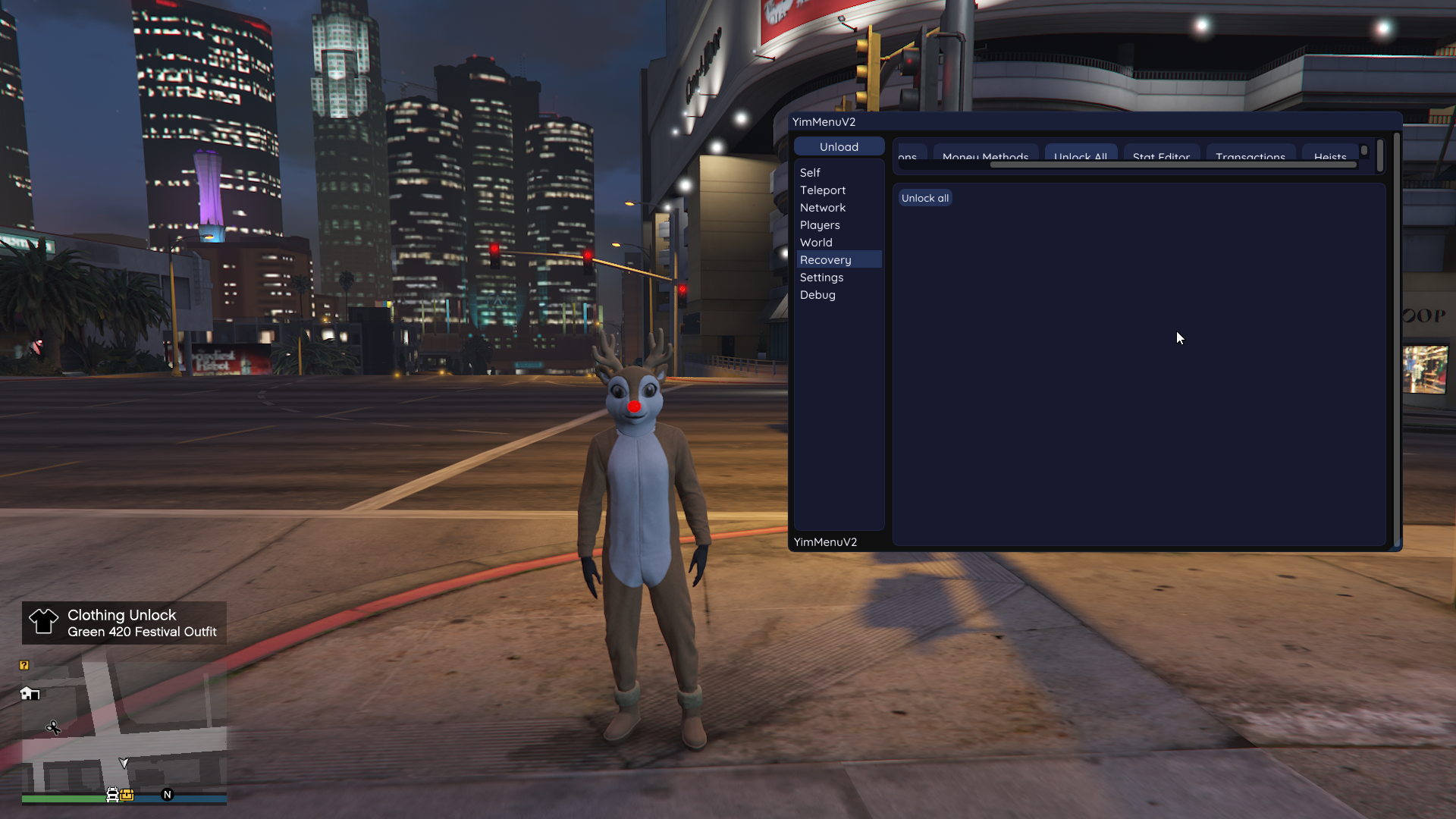
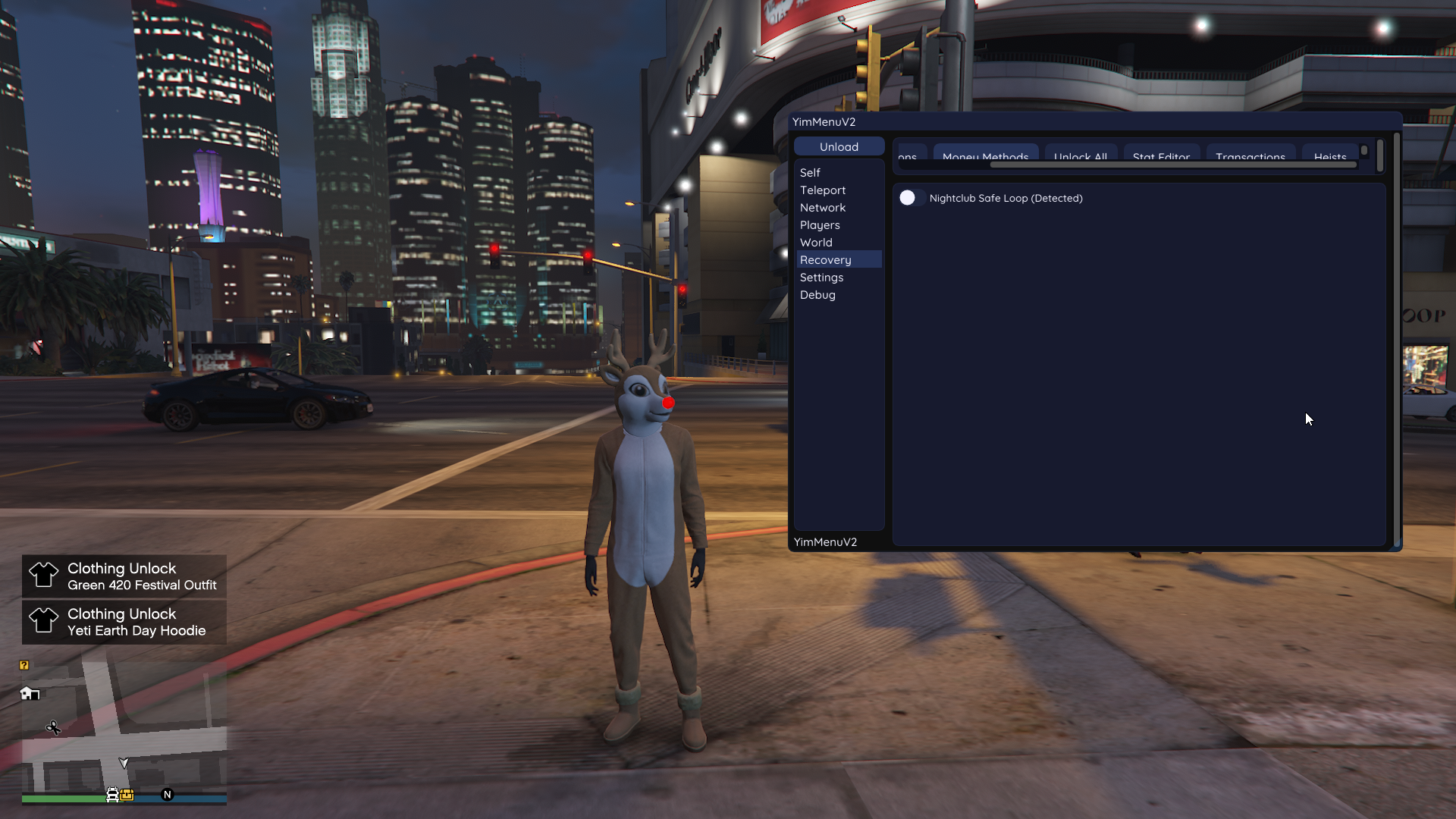
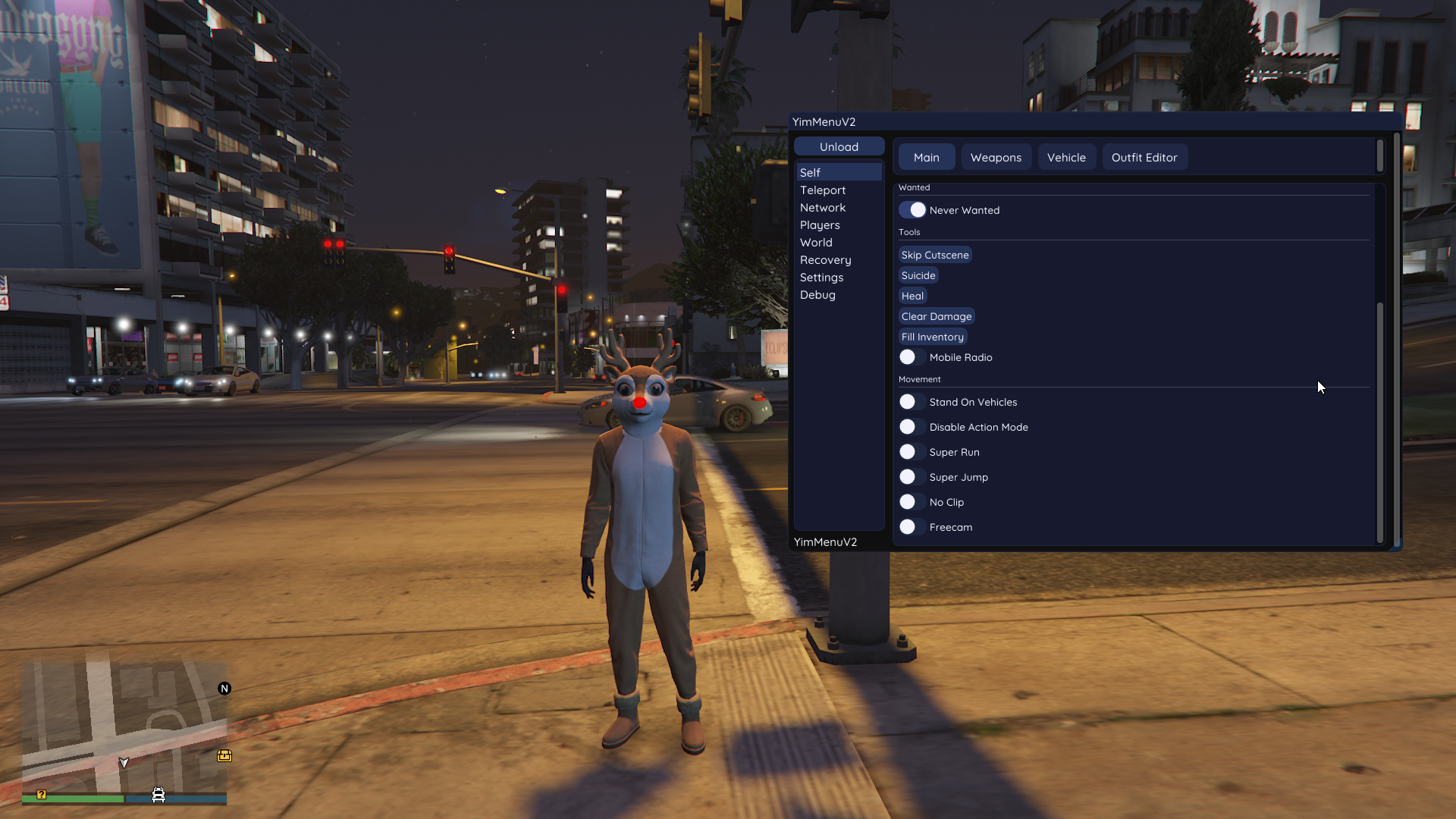
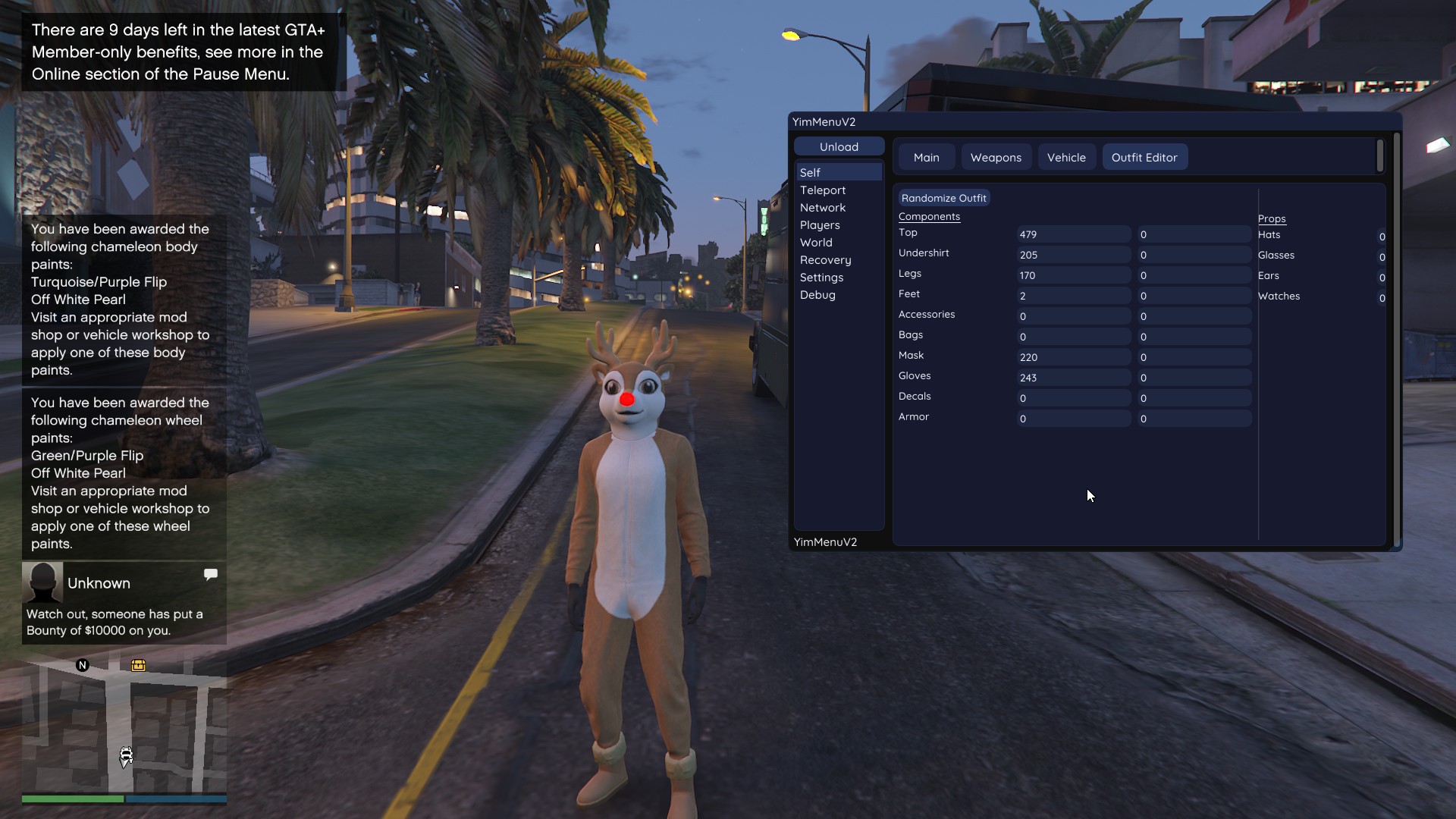
YimMenu is an open-source mod menu base for Grand Theft Auto V, built as a modern successor to the well-known BigBaseV2 foundation. It's designed from the ground up as a developer first platform not a finished product, but a clean and extensible starting point for creating your own tools, testing features, and understanding how GTA V modding actually works under the hood.
BEFORE LAUNCHING THIS MOD
Step 1 - Disable BattlEye Go to your Rockstar Games Launcher settings and disable BattlEye.
Alternatively, add
-nobattleyeto your launch parameters or insidecommandline.txtin your game directory (Steam / Epic / etc.)
Step 2 - Remove the BattlEye Service Open Command Prompt as Administrator and run:
`sc delete BEService`
Step 3 - Launch the Game Correctly Start the game and stop at the Main Menu
Do NOT load into Story Mode or Online If auto-load is enabled, disable it in settings and restart the game
Step 4 - Launch & Play Only after reaching the Main Menu, launch the mod Then enter Online Mode from within the game ✅
Is this mod have a config system?
Unfortunately we don't have much info. Maybe it does not have one :c
Antivirus notice: This mod may be flagged as a false positive due to game injection. Disable your AV or add an exclusion before launching. Using cheats in online games may violate anti-cheat policies and result in a ban. Use on single-player or private servers.
Status
Working
File status
Safe
Views
6
Launches
0
Posted
April 6, 2026
Updated
April 6, 2026
Game
Grand Theft Auto V
VirusTotal
—
Author
Yimura
Mod developer / Author
1
Mods
6
Total Views